
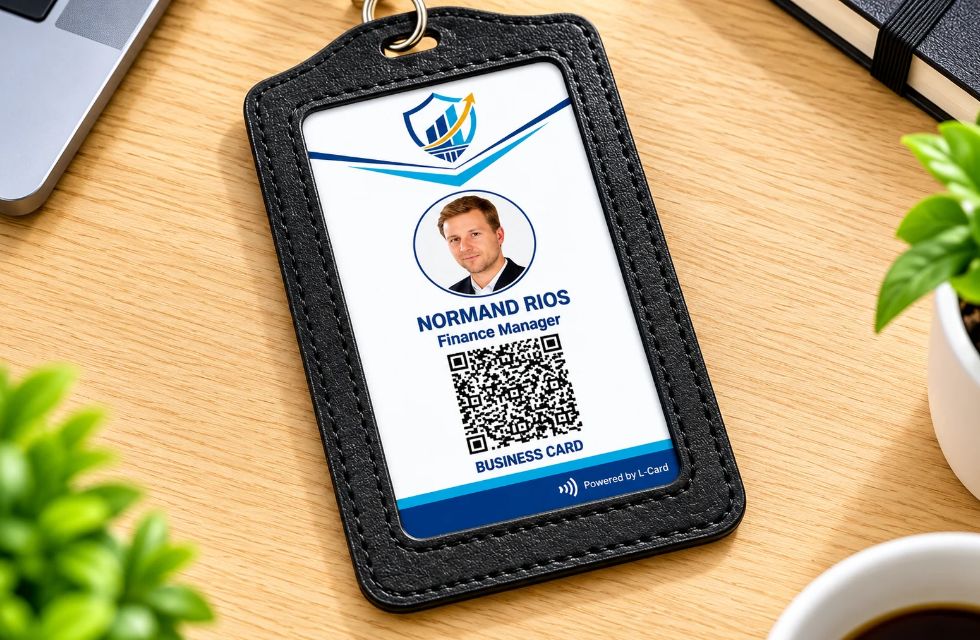
Ever handed someone a business card and wondered whether they would actually save your details? Traditional cards can be misplaced, damaged, or forgotten after an event. Digital business cards offer a more flexible way to introduce yourself and make it easier for new contacts to reach you. By adding a QR code, you can let people access your contact information with a quick scan. The key is creating a card that does more than display your name. It should give people a useful reason to connect, remember you, and follow up.
A QR code connects a physical interaction to your digital professional profile. Instead of manually entering a phone number, email address, or website, someone can scan the code and open your card.
This is especially useful at conferences, networking events, client meetings, exhibitions, and informal introductions. You can display the same code on a printed card, presentation slide, email signature, or event banner.
More importantly, your digital profile can offer more context than a traditional paper card. It can direct visitors to your portfolio, professional social profiles, booking page, company website, or introductory video.
Creating a useful QR-enabled business card involves more than generating a square pattern and adding it to a design. Follow these steps to make yours practical and professional.
Start with the purpose of your card. Are you looking for potential clients, employment opportunities, business partnerships, or new customers?
Your goal should influence the information and links you include. For example:
Avoid adding every link you own. Give visitors a clear next step instead.
Your card should answer three basic questions: who are you, what do you do, and how can someone contact you?
Include details such as:
Keep the layout organised. A visitor should not have to search through several sections to find your contact information.
Your business card is often a small introduction to your professional identity. Use consistent colours, typography, and logo placement so it feels connected to your wider brand.
A creative professional might choose a more visual layout, while a finance or legal professional may prefer a clean, understated design. Make sure the text remains readable on mobile screens and that the QR code has enough contrast and space around it.
Use a QR code tool that connects directly to your digital profile. Add the generated code to your card design and include a short instruction such as “Scan to save my contact details.”
If you plan to print the code, test it at the actual printed size. Check that it scans from a comfortable distance and works under ordinary lighting.
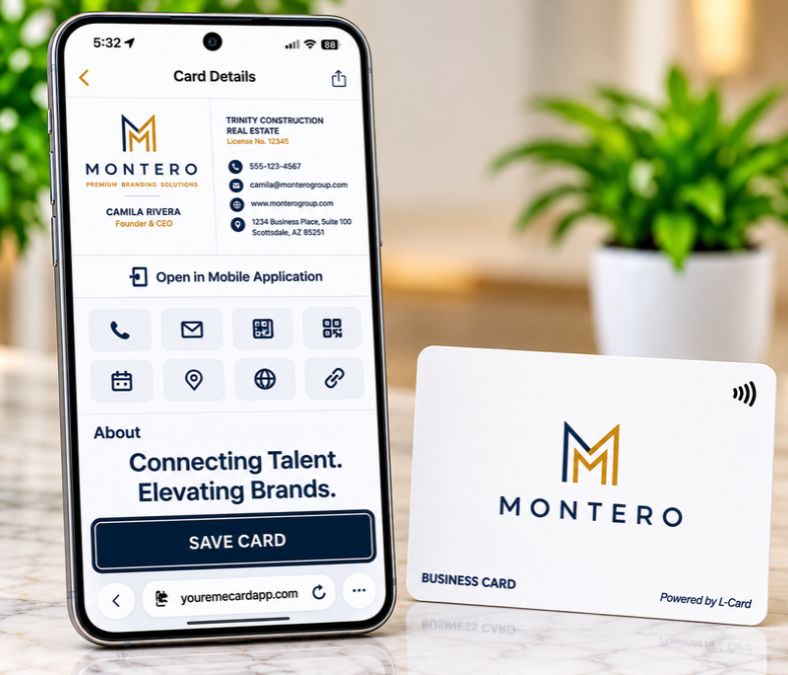
A digital business card platform should make creating, updating, and sharing your professional details straightforward. Look beyond basic QR generation and consider how the platform supports your networking activities.
| Feature | Why It Matters |
|---|---|
| Custom Design | Keeps your card consistent with your brand |
| QR Code Sharing | Makes contact exchange quick |
| Clickable Links | Directs visitors to useful resources |
| Mobile-Friendly Profile | Makes information easy to view |
| Analytics | Helps understand card engagement |
| Editing Options | Keeps details current without reprinting |
A digital business card QR code can also be useful beyond the card itself. You can display it on presentation slides, event materials, email signatures, and other professional touchpoints.
One important consideration is QR code safety. The US Federal Trade Commission advises users to inspect QR code destinations before opening unfamiliar links. Apply the same care when sharing your own code: use a trustworthy destination and check that it directs people to your intended profile. Read the FTC’s guidance on QR code scams.
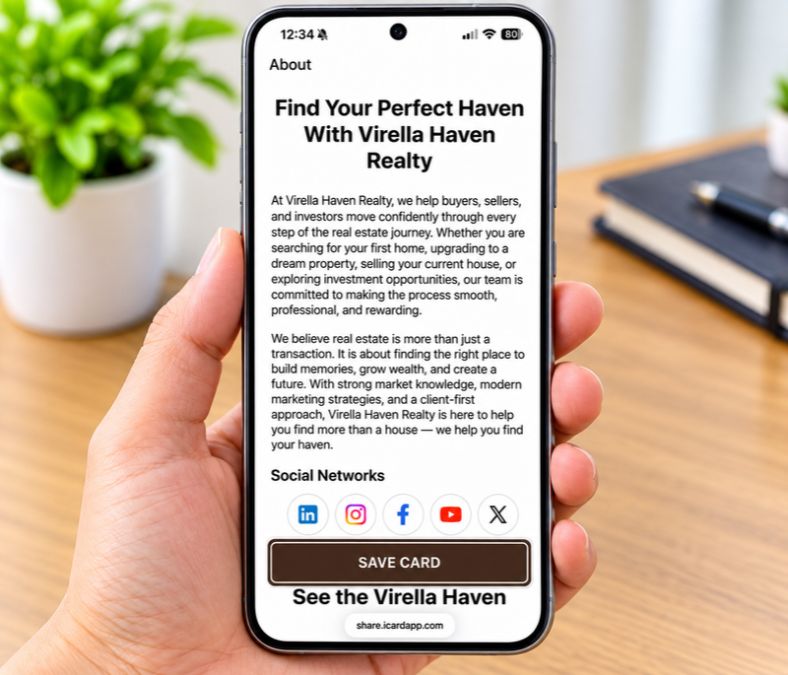
A digital business card becomes more useful when it can support the entire networking process, from introducing yourself to following up with a potential contact. L-Card offers customisable digital cards that can include contact details, social profiles, images, videos, documents, and call-to-action buttons.
You can share your card through QR codes, text, email, WhatsApp, and other channels. Its analytics dashboard also provides information about card views, saves, link clicks, and other interactions. These features can help professionals understand how people engage with their profiles and plan more relevant follow-ups.
Yes. You can print a QR code on a physical card so people can scan it and open your digital contact profile.
Include your name, professional title, company, contact details, website, and relevant social links. Add a portfolio or booking link when it supports your networking goal.
Many digital card services allow you to edit your profile after sharing it. If your QR code points to that profile, visitors can access the updated information through the same code.
You can add it to email signatures, presentations, event banners, brochures, and professional social profiles, provided it remains clear and easy to scan.